‹ All apps Administration and Control Administration Backend

TradesMen AI

TradesMen AI — the intelligence layer behind the TradesMen ecosystem.

A shared AI command center providing agents, assistant workflows, approvals, and audit logs across ecosystem apps.

What TradesMen AI is

TradesMen AI is the intelligence layer of the ecosystem. It provides AI provider support, agent definitions, assistant workflows, approval queues, reports, automation rules, tenant-aware settings, tool permissions, audit logs, and integrations with host apps. AI is designed to be mounted into or connected with other TradesMen apps — such as Network, Tools, Chat, and Talk — so that intelligence features can be added consistently without each app reinventing its own provider integrations or governance model.

Problems it solves

  • Each app should not reinvent its own AI provider integration
  • AI actions need approval queues, logging, and tenant-aware permissions
  • Operators need one consistent governance model for AI across the ecosystem

Who it’s for

  • Platform operators standardizing AI across apps
  • Companies adopting assistant workflows in their tools
  • Admins approving and auditing AI-assisted actions
  • Engineers integrating AI capabilities into host apps

Core modules

  • Provider adapters
  • Agents
  • Assistant workflows
  • Approval queues
  • Reports
  • Automation rules
  • Tenant settings
  • Tool permissions
  • Audit logs
  • Host app integrations

Key features

  • AI provider adapters
  • Agents and assistant workflows
  • Approval queues for sensitive actions
  • Reports and usage tracking
  • Automation rules
  • Tenant-aware settings and permissions
  • Tool-use permission controls
  • Audit logs for every AI action
  • Host app integration patterns

Example workflows

A Hub user runs an AI-assisted workflow whose write actions go through an approval queue.

A Tools admin reviews an audit log of AI-suggested inventory updates.

An operator promotes an agent from preview to production with tenant-aware permissions.

Integration points

  • Mounted into host apps such as Network, Tools, Chat, Talk, and Hub
  • Sensitive actions route through approval queues
  • Security Center observes AI service health
  • Audit logs feed reporting and operations review

See the full integrations page

Admin & governance

  • Tenant-aware settings
  • Tool-use permission controls
  • Approval queues for sensitive actions
  • Audit logs for every AI action
  • Per-host-app integration policies

How TradesMen AI fits in

TradesMen AI is the intelligence backbone. It connects to Network, Tools, Chat, Talk, Hub, and other ecosystem apps to provide assistant workflows and automation with consistent governance.

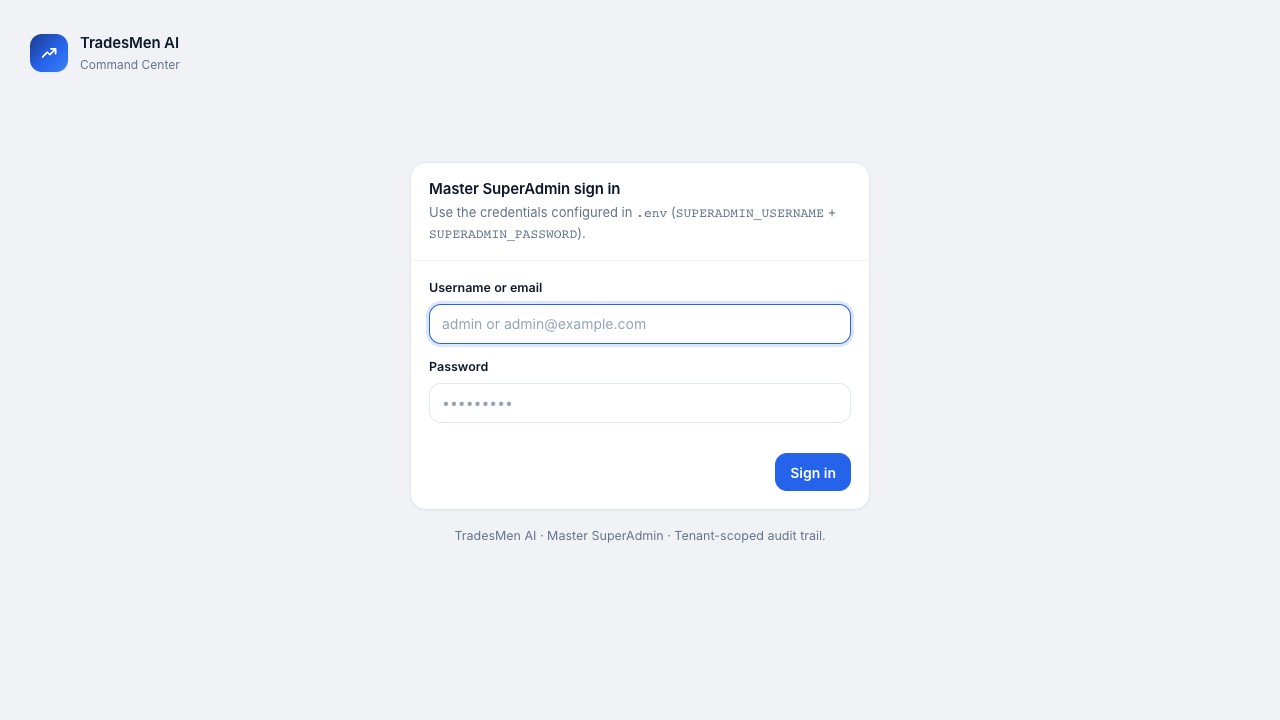
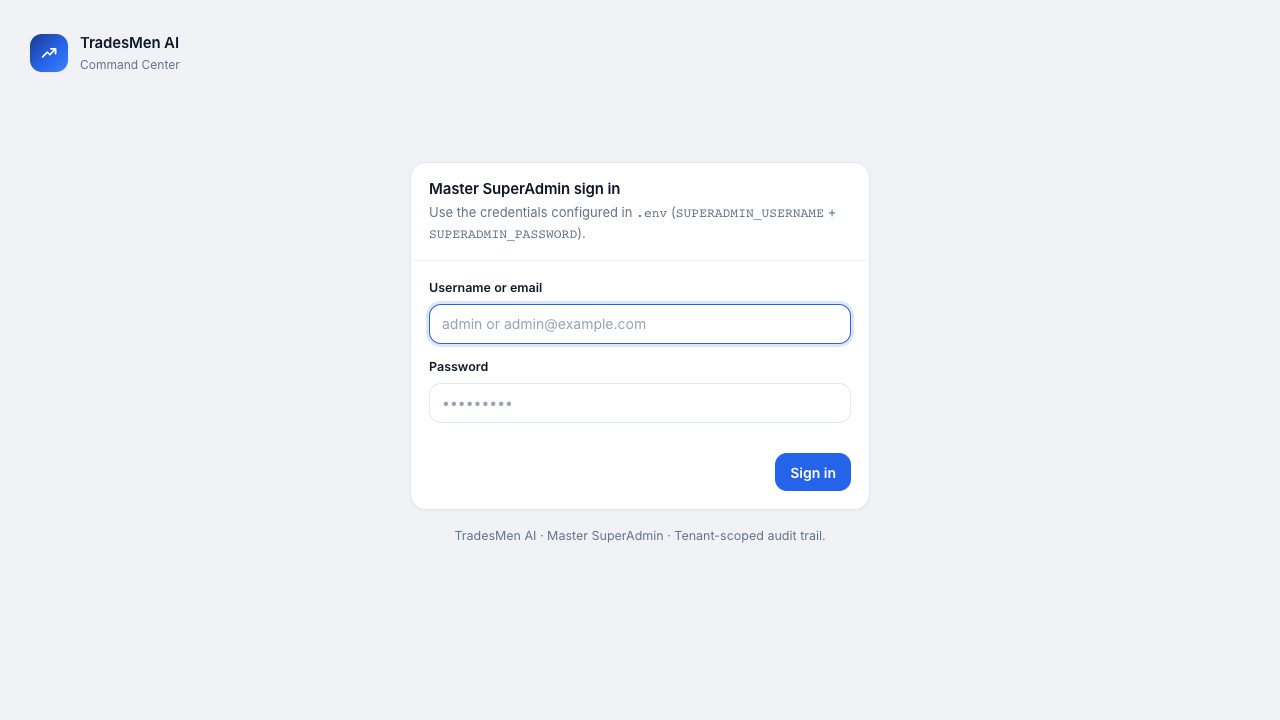
TradesMen AI is an authorized administration/control webapp for ecosystem operators. It is not positioned as a normal public consumer app, and the visuals shown here represent authorized operator context without exposing private operational data.

Availability: TradesMen AI is a backend administration webapp for the platform operator — the AI control plane other apps connect to. It has no public signup and no real public access, and this page is intentionally high-level.

Status

Status unknown

No status components have been published for this product yet, so there is nothing to report.

Ecosystem status ›

Support and access

Connects with

Where TradesMen AI connects in the ecosystem.

These relationships explain how this app can share context with the rest of TradesMen.dev in public-safe terms.

Connects to

TradesMen Network

Governed assistant workflows

AI belongs behind governance: operators decide where assistants are allowed to help, what they can do, and how actions are reviewed.

View TradesMen Network
Connects to

TradesMen Talk

Governed assistant workflows

AI belongs behind governance: operators decide where assistants are allowed to help, what they can do, and how actions are reviewed.

View TradesMen Talk
Connects to

TradesMen Chat

Governed assistant workflows

AI belongs behind governance: operators decide where assistants are allowed to help, what they can do, and how actions are reviewed.

View TradesMen Chat
Connects to

TradesMen Messenger

Governed assistant workflows

AI belongs behind governance: operators decide where assistants are allowed to help, what they can do, and how actions are reviewed.

View TradesMen Messenger
Connects to

TradesMen Tools

Governed assistant workflows

AI belongs behind governance: operators decide where assistants are allowed to help, what they can do, and how actions are reviewed.

View TradesMen Tools
Connects to

TradesMen Cam

Governed assistant workflows

AI belongs behind governance: operators decide where assistants are allowed to help, what they can do, and how actions are reviewed.

View TradesMen Cam
Connects to

TradesMen inTrust

Governed assistant workflows

AI belongs behind governance: operators decide where assistants are allowed to help, what they can do, and how actions are reviewed.

View TradesMen inTrust
Connects to

TradesMen Hub

Governed assistant workflows

AI belongs behind governance: operators decide where assistants are allowed to help, what they can do, and how actions are reviewed.

View TradesMen Hub
Connects to

TradesMen Feed

Governed assistant workflows

AI belongs behind governance: operators decide where assistants are allowed to help, what they can do, and how actions are reviewed.

View TradesMen Feed
Connects to

TradesMen Insights

Governed assistant workflows

AI belongs behind governance: operators decide where assistants are allowed to help, what they can do, and how actions are reviewed.

View TradesMen Insights
Connects to

TradesMen Reviews

Governed assistant workflows

AI belongs behind governance: operators decide where assistants are allowed to help, what they can do, and how actions are reviewed.

View TradesMen Reviews
Connects from

TradesMen Security Center

Defensive ecosystem monitoring

Security Center is the defensive operations layer for watching registered apps, tracking readiness, and helping operators respond when something needs attention.

View TradesMen Security Center
Frequently asked

TradesMen AI FAQ

Is TradesMen AI a chatbot?

No — it is the shared AI layer providing agents, workflows, governance, and audit across ecosystem apps.

Do AI actions require approval?

Sensitive actions are designed to route through approval queues with full audit logs.

+ Related apps

Pairs well with

These apps connect naturally with TradesMen AI in the TradesMen.dev ecosystem.

Integrates with

Business Growth and Reputation
Business operations app

TradesMen Hub

A HubSpot-style business growth platform built for contractors, suppliers, and trades companies.

CRM, sales, marketing, service, automation, reporting, and customer operations.

Learn more

Integrates with

Foundation and Identity
Public identity layer

TradesMen Network

The professional network and identity layer for skilled tradespeople, crews, contractors, and trade companies.

The professional profile, company, credential, reputation, and access layer for the ecosystem.

Learn more

Integrates with

Administration and Control
Administration Backend

TradesMen Security Center

A private, defensive security and operations command center for the TradesMen ecosystem.

Authorized operator/admin webapp for defensive monitoring, incident readiness, and ecosystem security posture.

Learn more

Integrates with

Communication and Community
Community app

TradesMen Talk

A mobile-first social platform built for tradespeople to share jobsite photos, videos, posts, and stories.

A trades-focused social feed for public work sharing and community discovery.

Learn more

Integrates with

Communication and Community
Visual sharing app

TradesMen Chat

A visual, camera-first social communication app designed for quick sharing and jobsite updates.

Camera-first visual sharing for quick jobsite updates, stories, and location-aware posts.

Learn more

Integrates with

Communication and Community
Private communication app

TradesMen Messenger

Private, mobile-first messaging for tradespeople, crews, and companies with realtime delivery and media sharing.

Private identity-backed messaging for tradespeople, crews, and companies.

Learn more

Integrates with

Field Operations and Equipment
Field operations app

TradesMen Tools

Tool and equipment inventory management for individual tradespeople and trade companies.

Tool, truck, box, assignment, and jobsite asset tracking for field teams.

Learn more

Integrates with

Field Operations and Equipment
Jobsite documentation app

TradesMen Cam

Field documentation and jobsite reporting for trades and construction teams.

Photo, daily log, work order, job costing, and reporting workflows for the field.

Learn more

Integrates with

Business Growth and Reputation
Trust and reputation app

TradesMen inTrust

The trust, reviews, quoting, and hiring platform for tradespeople and customers.

Reviews, trust signals, quote requests, and customer-facing reputation tools.

Learn more

Integrates with

Communication and Community
Community app

TradesMen Feed

A tradesmen-only social feed where individual tradespeople post work, follow peers, and build reputation.

A tradesmen-only professional feed for individual pros to post work, follow peers, and build reputation.

Learn more

Integrates with

Business Growth and Reputation
Business analytics app

TradesMen Insights

Pro-tier analytics that turn activity across the ecosystem into dashboards, reports, and market trends.

Pro-tier analytics that turn ecosystem activity into dashboards, reports, and market trends.

Learn more

Integrates with

Business Growth and Reputation
Reputation app

TradesMen Reviews

A dedicated platform for collecting, moderating, and syndicating verified customer reviews.

The reviews and reputation engine that collects, moderates, and syndicates verified ratings.

Learn more

TradesMen Dev is part of the TradesMen Dev Eco System, Owned, Operated, And Managed By Pimentel Services Ltd. TradesMen AI is part of the TradesMen.dev ecosystem.

Want to learn more about TradesMen AI?

Get in touch and we’ll walk you through where it fits in your work.